Key usage limits
How usage limits work
Admins configure quotas as spend budgets per period, in the unit LiteLLM
prices its models in (BUDGET_UNIT labels them on the page; default $).
LiteLLM enforces spend directly, so the figure an admin enters is the figure
the gateway enforces, whatever mix of models a key uses. A model priced at 0
or null accrues no spend, so a budget never binds on it; the server warns
about such models at startup.
Requests fail with HTTP 422 (budget_exceeded, "Budget has been exceeded!")
once the allowance is spent and resume when the period resets. The TPM and RPM
rate limits answer 429 instead.
Several windows per profile. A profile can hold one allowance per period
(hourly, daily, weekly, monthly) and LiteLLM enforces each independently — a
key takes budget_limits as a list of {budget_duration, max_budget} objects
and rejects with ExceededBudget: Key over 1h budget when any one is spent.
The tightest window binds, so a shorter period may not carry a larger budget
than a longer one; the admin form rejects that.
This needs LiteLLM v1.105.0 or later: the dashboard reads what has been spent
in each window from the budget_limits_usage that its /key/info reports.
Only the widest window applies to the person. It is held on the person's LiteLLM internal user, so it counts every key they hold and survives a key rotation. The shorter windows stay on the key: each key counts them on its own, and a regenerated key starts them over. With "5/day + 50/month" a person can therefore spend more than 5 in a day by regenerating their key, but never more than 50 in a month. Treat the shorter windows as a guard that protects users against runaway spend, such as a script stuck in a loop, not as a cap on what a person may spend; put that cap in the widest window. The dashboard and the profile help mark the shorter windows as "per key".
LiteLLM leaves no better option. An internal user holds a single window: it
accepts budget_limits and drops them. The spend counted in a key's window
cannot be carried over to a new key, and /key/regenerate, which keeps the
counters, needs an Enterprise licence.
Usage reporting
The dashboard shows what a person has consumed, from two sources with different granularity:
- Over the history window (
USAGE_HISTORY_DAYS, default 30) — read from the daily totals LiteLLM keeps per user, key and model (/user/daily/activity), filtered by the person's LiteLLM user. The chart spans the whole window, empty days included, so a bar's position says when the person used the gateway. Windows up to two months draw a bar per day; up to two years, per ISO week (Monday first); beyond that, per calendar month. Labels are thinned on wide windows; every bar names its date on hover. The days are UTC days, as LiteLLM buckets them. - Per model, over the same window — the same daily totals by the public model name, with the requests sent and the prompt/completion split.
- Against the quota — read from the spend counter the gateway keeps for each window, which is what it enforces against. Shown as a percentage of the budget with the amounts beside it. It resets on the budget period, so it need not agree with the 30-day chart above it.
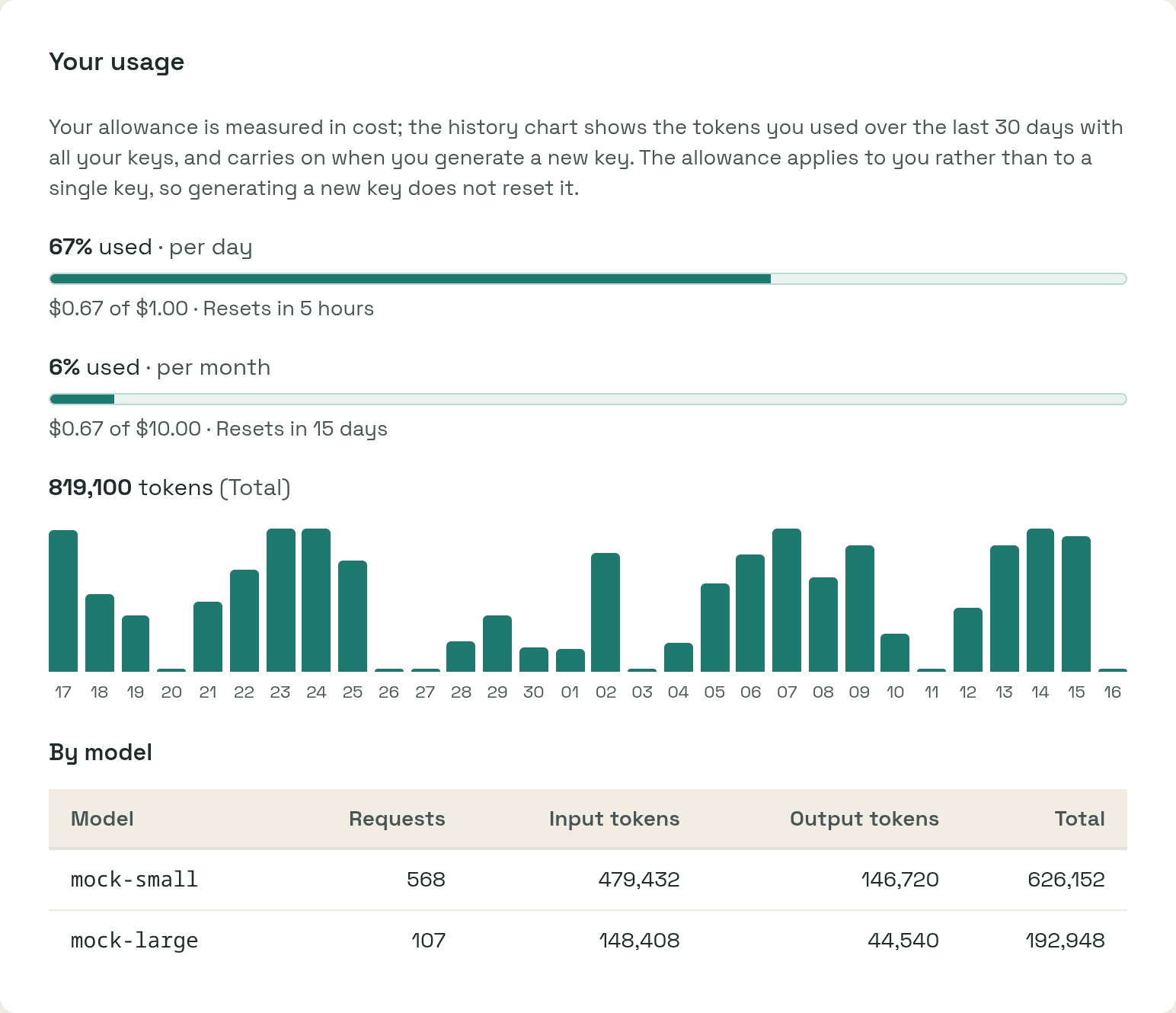
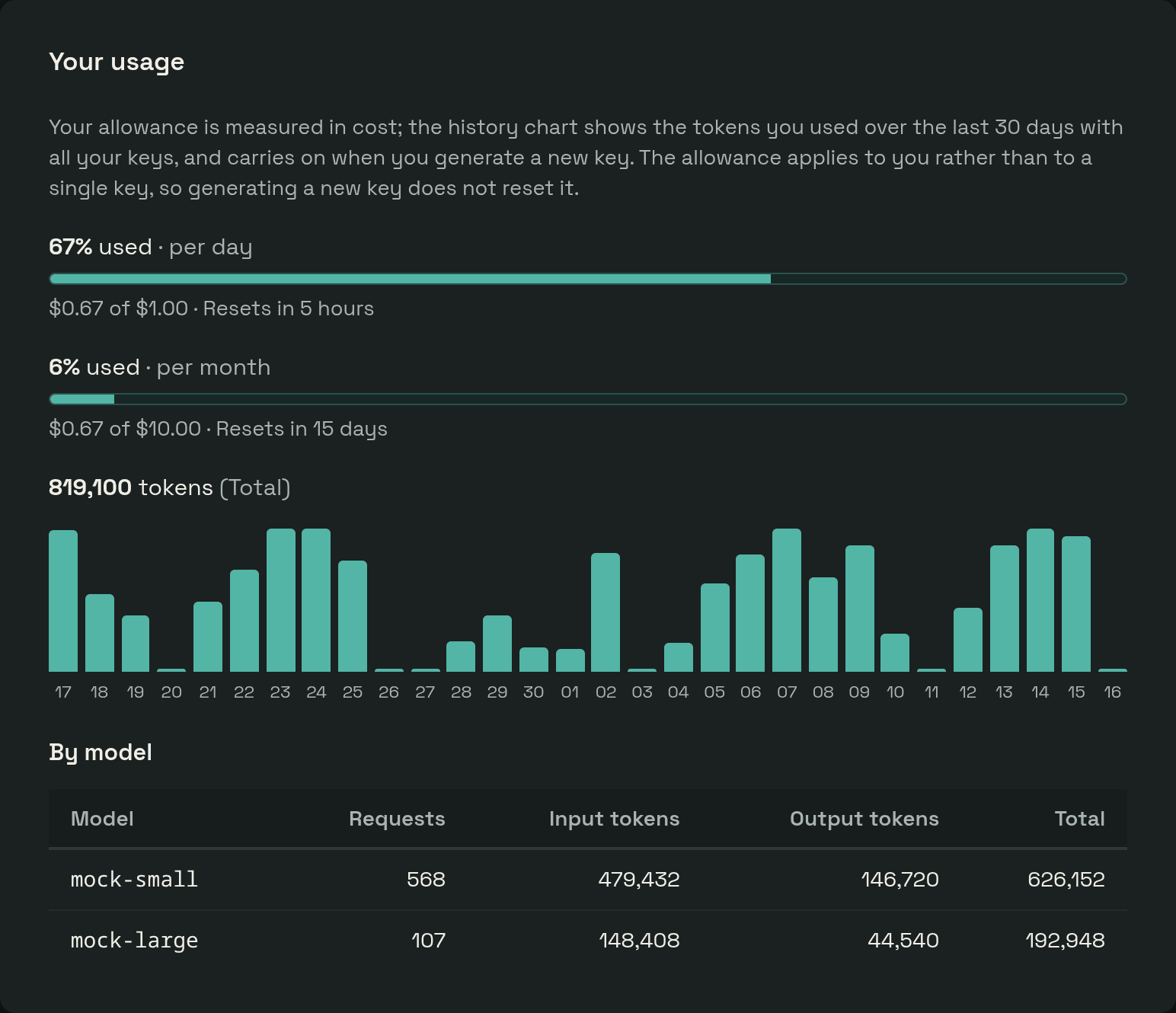
The history belongs to the person, across every key they have held, so regenerating a key does not start it over.
LiteLLM writes the daily totals whether or not disable_spend_logs is set,
and maximum_spend_logs_retention_period does not remove them, so neither
setting affects the dashboard. It never reads the per-request spend log: that
response grows with every request, and LiteLLM builds it on the worker that
serves everyone else.