Getting started
How it works
- Users log in via OIDC (e.g. Keycloak, Dex, Authentik).
- After login, each user lands on a dashboard where they can generate a personal LiteLLM API key.
- The key is created directly in LiteLLM with the parameters of the user's assigned profile.
- The key expires after a configurable number of days; users can extend or regenerate it at any time.
- Admins can manage profiles and assign users to them via
/admin.
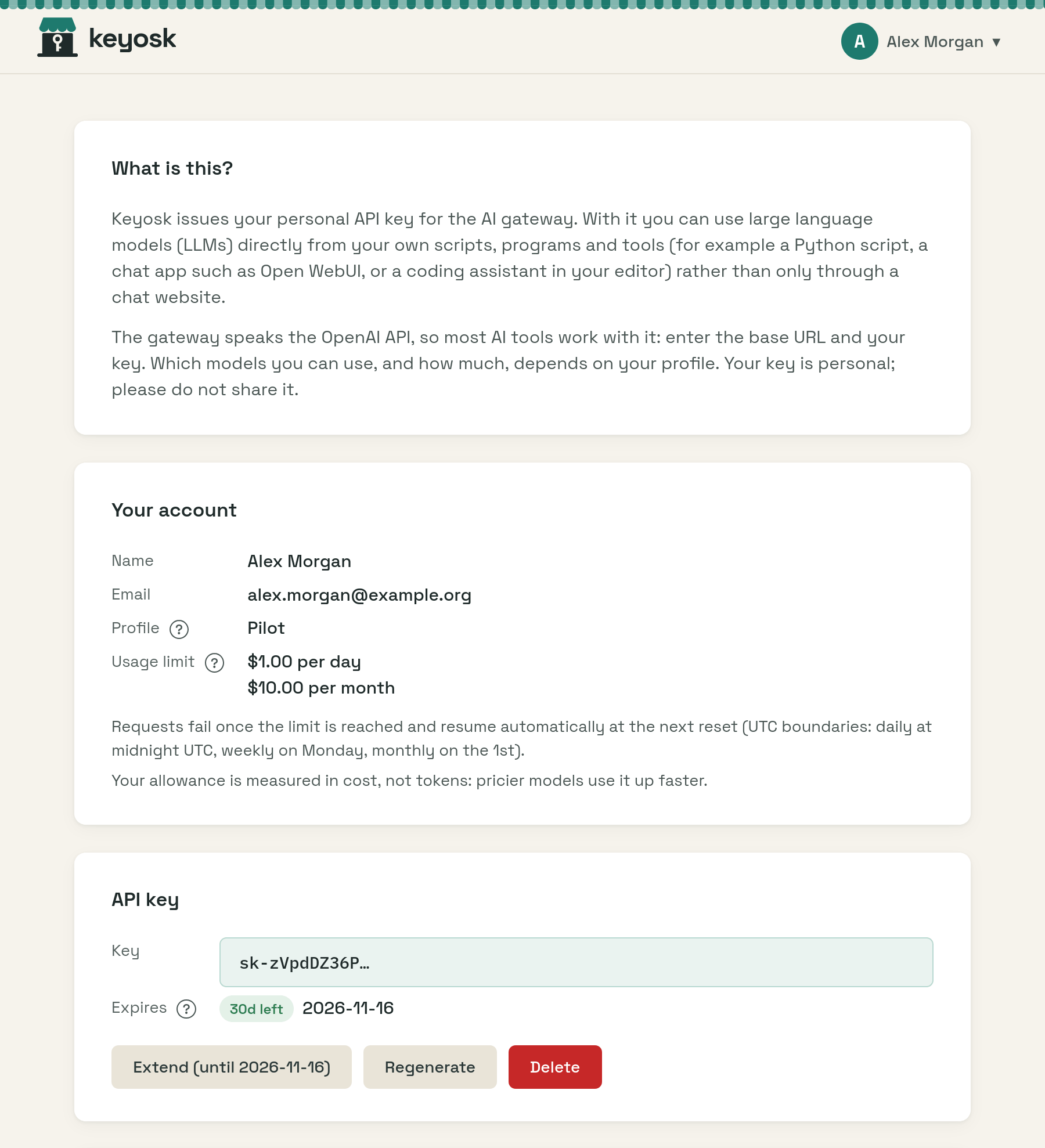
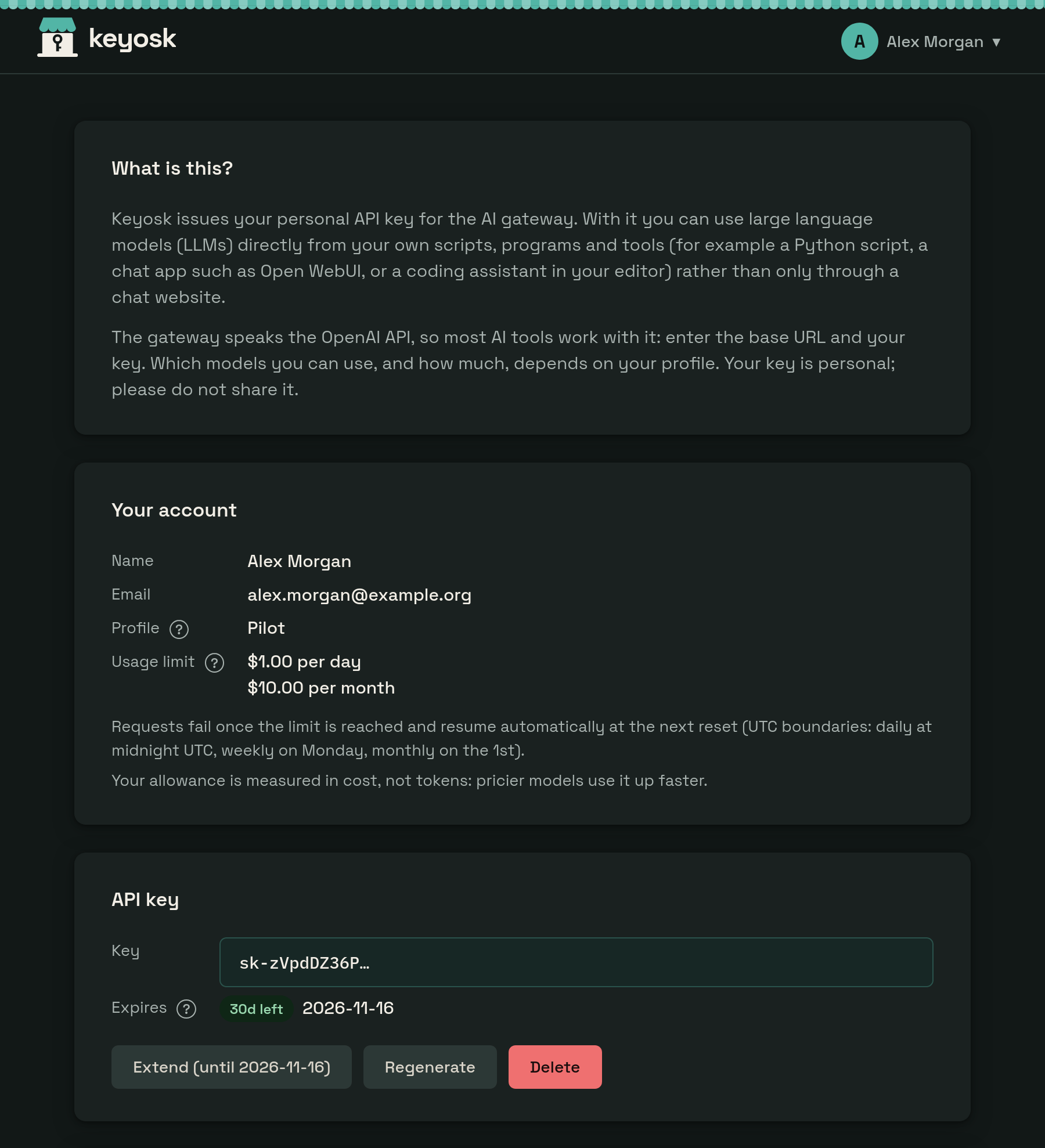
The interface and the expiry emails are in German and English. The interface follows the browser's language and light or dark mode; users can choose either under Account settings in the account menu.
Try it locally
The dev stack starts everything Keyosk needs on your machine: a mock OIDC provider, a LiteLLM gateway with mock models and a mail catcher. You need Git, Go and Docker or Podman:
git clone https://github.com/virtUOS/keyosk.git && cd keyosk
cp .env.example .env
docker compose -f dev/docker-compose.yml up -d --wait   # or podman compose
go run ./cmd/server
Open http://localhost:8080 and log in as admin or student at the mock's
prompt; admin also gets the admin panel. Stop the stack with
docker compose -f dev/docker-compose.yml down.
Try it with your infrastructure
Keyosk needs a LiteLLM gateway and an OIDC provider; it brings neither. With
both at hand, and a client for Keyosk registered at the provider with the
redirect URI http://localhost:8080/callback, one command starts it:
docker run --rm -p 8080:8080 \
  -e LITELLM_BASE_URL=https://litellm.example.org \
  -e LITELLM_MASTER_KEY=sk-... \
  -e OIDC_ISSUER_URL=https://login.example.org/realms/example \
  -e OIDC_CLIENT_ID=keyosk \
  -e OIDC_CLIENT_SECRET=... \
  -e FRONTEND_URL=http://localhost:8080 \
  ghcr.io/virtuos/keyosk:main
Open http://localhost:8080 and log in. The database lives in the container and is gone when it stops, and nobody is an admin yet. To keep Keyosk running, follow Installation. To work on Keyosk itself, see Development.