Access and invitations
Basic access comes from the ansehBAR group in your institution's identity provider (see Signing in). People outside the group can be invited.
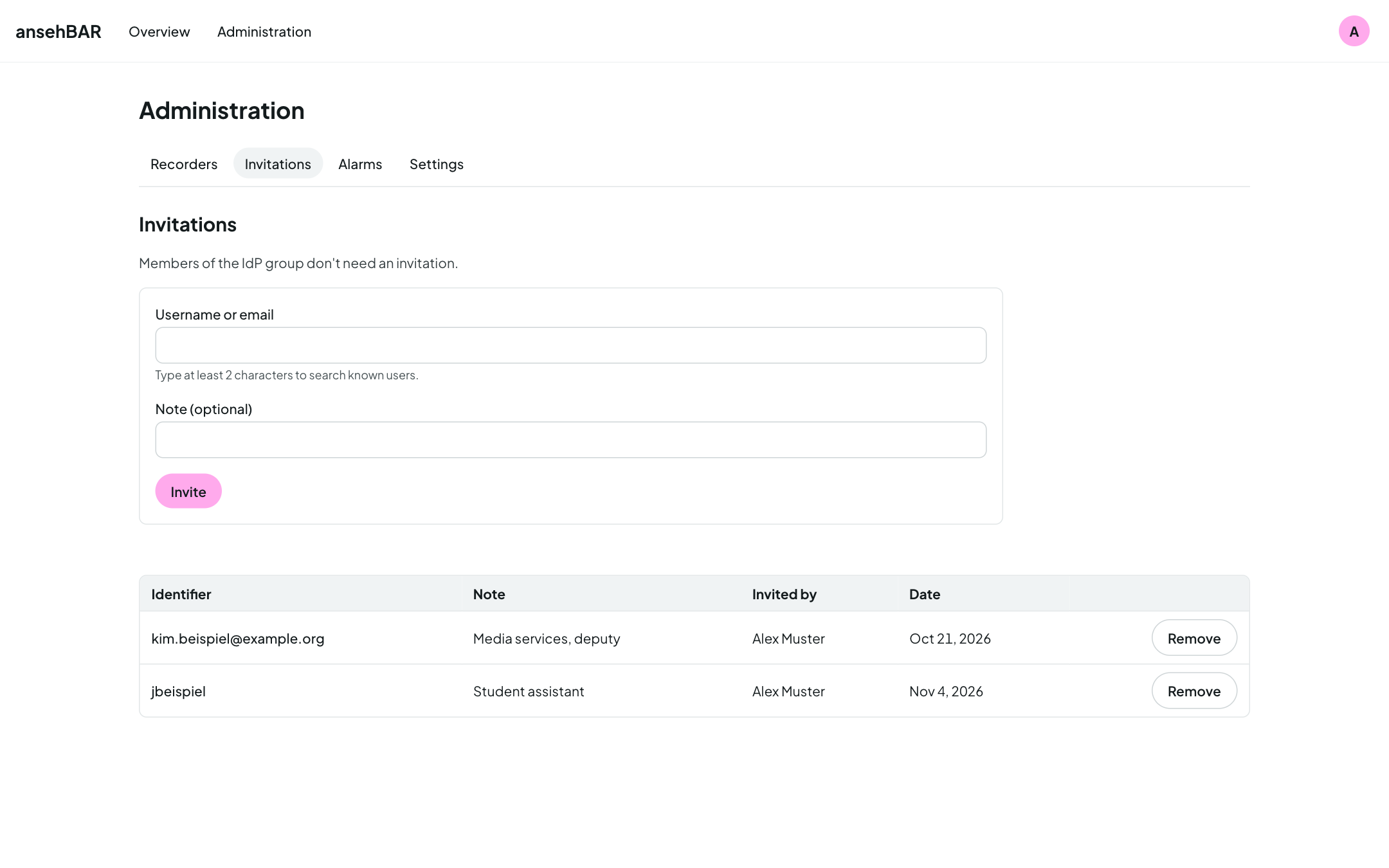
Inviting someone
- Open Administration → Invitations.
- Enter the person's username or e-mail address as it is in the identity provider. Upper and lower case do not matter.
- Optionally add a note, e.g. “Media services, deputy”.
- Choose Invite.
The person then simply signs in; ansehBAR does not send an e-mail.
Removing an invitation
The bin icon on an invitation takes the access away again. If the person is signed in, it applies from their next page request.
The group comes first
Members of the ansehBAR group need no invitation. Removing an invitation does not lock out group members.