Signing in
ansehBAR is a tool for a small group of people, such as media services and the lecture capture team. The streams are not a public service.
How to sign in
- Open ansehBAR in the browser and choose Sign in.
- Sign in with your institution's account. ansehBAR uses your institution's identity provider (OIDC, e.g. Keycloak); there is no separate password.
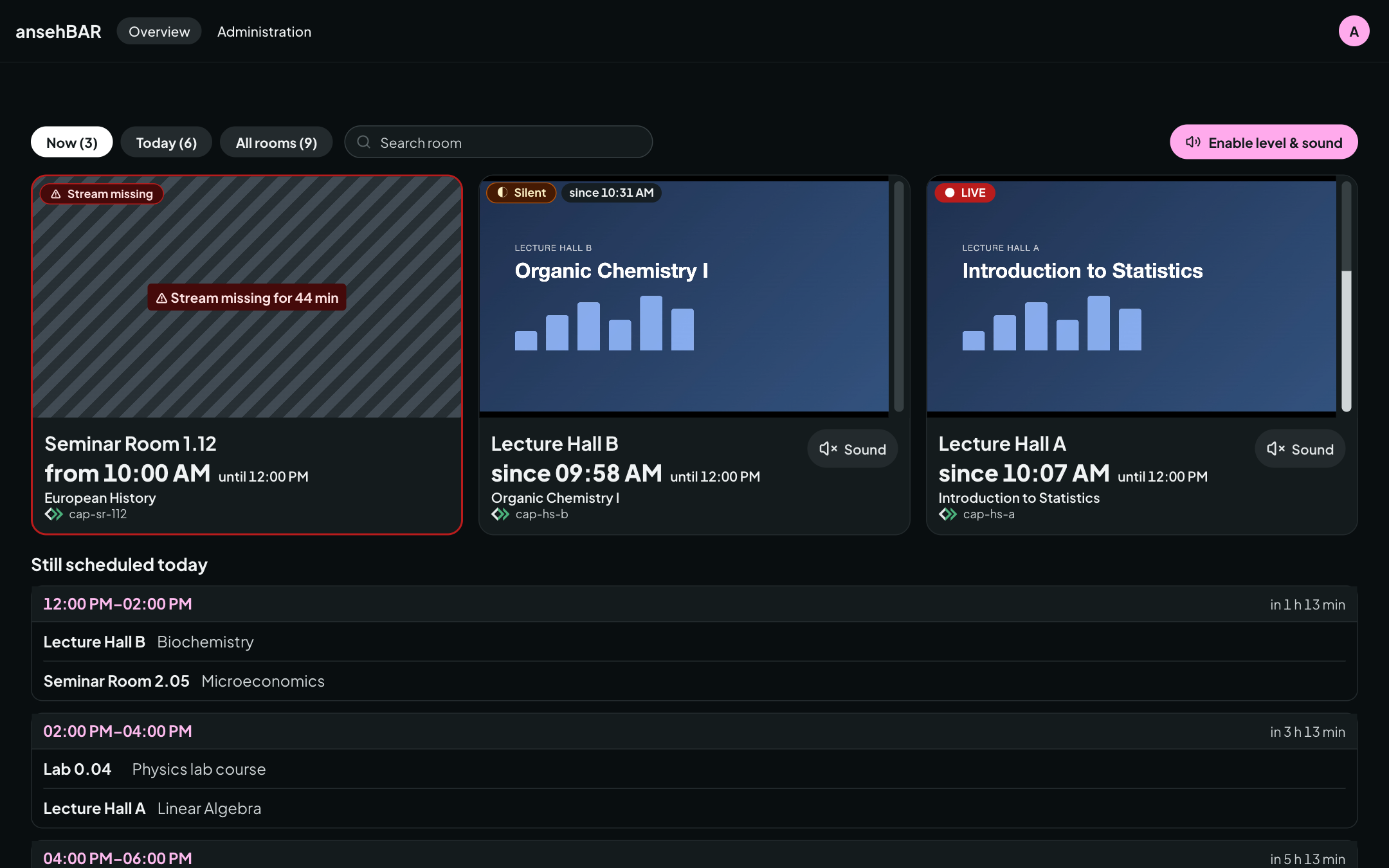
- The overview opens.
Who has access
You have access if at least one of these applies:
- Group: you belong to the ansehBAR group in the identity provider. Group membership is read at every sign-in; whoever is removed from the group loses access at the next sign-in.
- Invitation: someone with access has invited you under Administration → Invitations with your username or e-mail address.
- Initial setup: during installation, the operators enter a few accounts directly so the first people can get in.
If you sign in without access, ansehBAR shows a page telling you whom to contact.
Language and theme
The menu at the top right sets the language (German or English) and the theme (light, dark or like the system).