Open source · virtUOS, Osnabrück University
The whole lecture hall takes part — anonymously, no app needed.
Abstimmbar brings live voting into your teaching: you put questions on the projector, and your participants answer on their own smartphones by scanning a QR code — no account, nothing to install. From a quick single-choice question to a mind map the whole group builds together.
- Anonymousno account, no IP addresses of voters
- Ten question typesfrom quizzes to the four-field matrix
- LTI 1.3integration into learning platforms such as Moodle
- 1000 simulated participantsat the same time in the load test
- German & Englishinterface and content
What Abstimmbar can do
One tool for a quick question in between, for quiz phases where everyone works on their own, and for ideas the whole group collects and rates together.
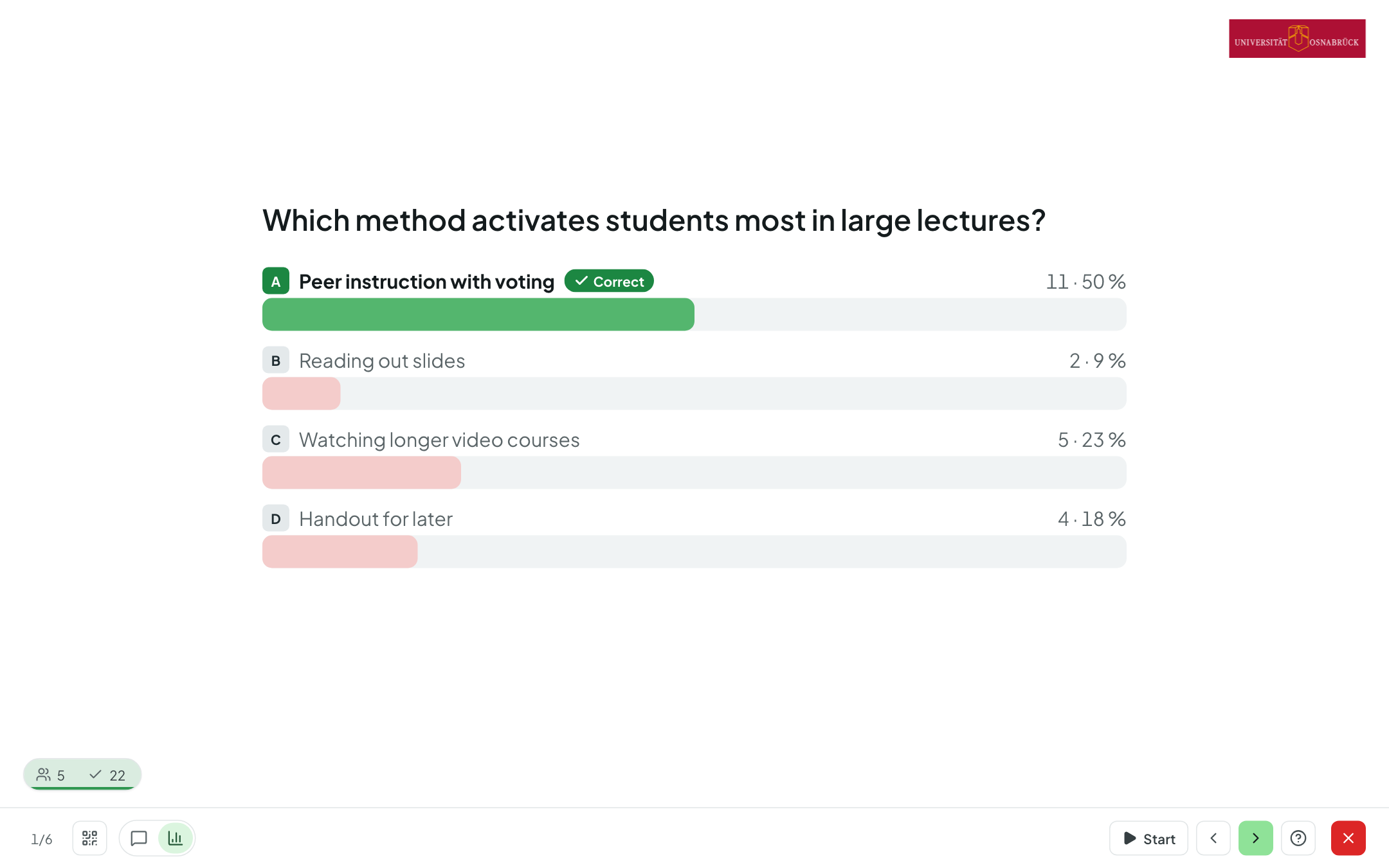
Quizzes and polls, live on the projector
Single and multiple choice, yes/no, Likert scale, priorities and ordering. Results appear in real time; you reveal the correct answer immediately, after closing the question, or never.
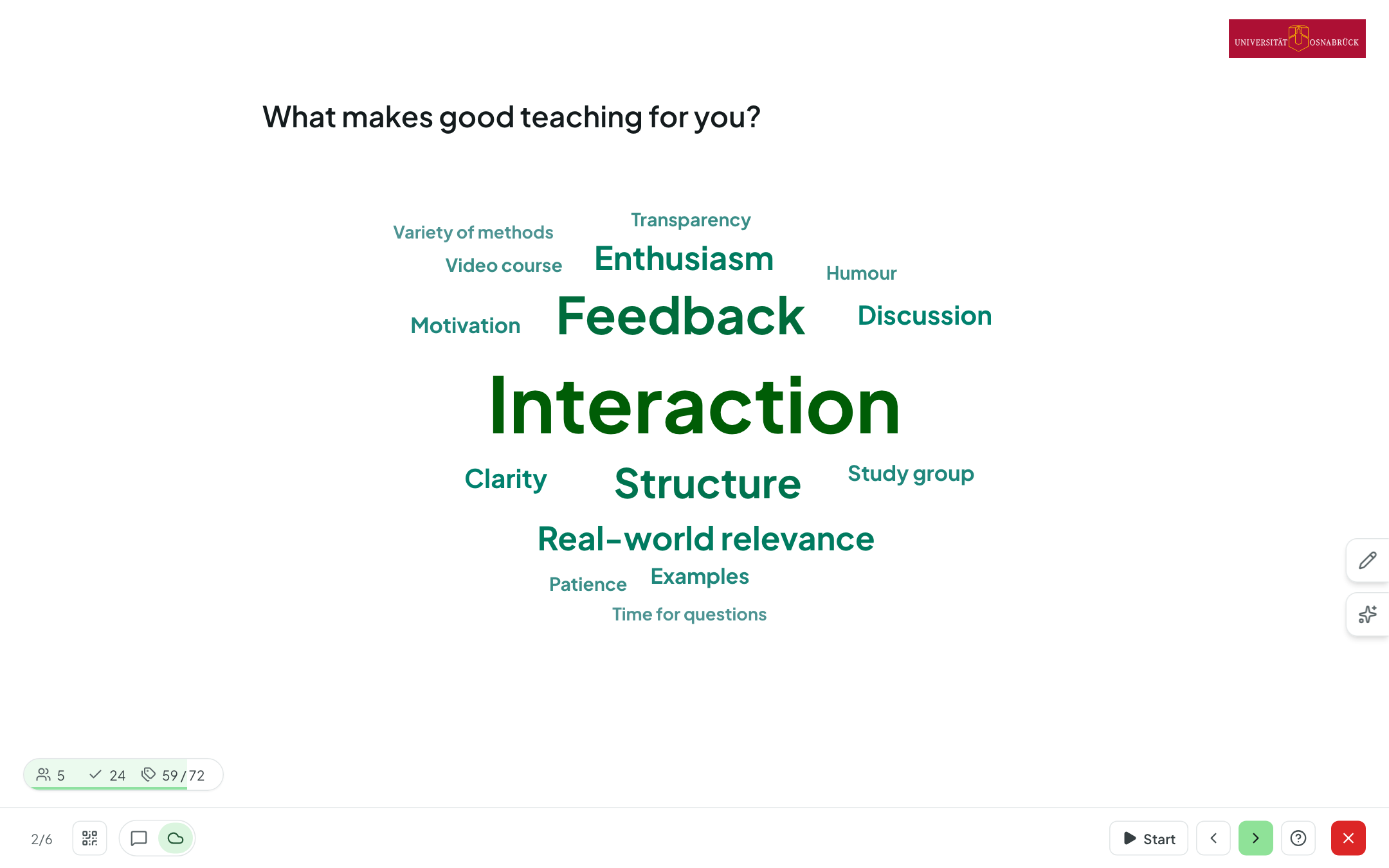
Word cloud and free text
Terms grow into a cloud live, and spelling variants are merged. You moderate right on the projector — merge, hide, rename.
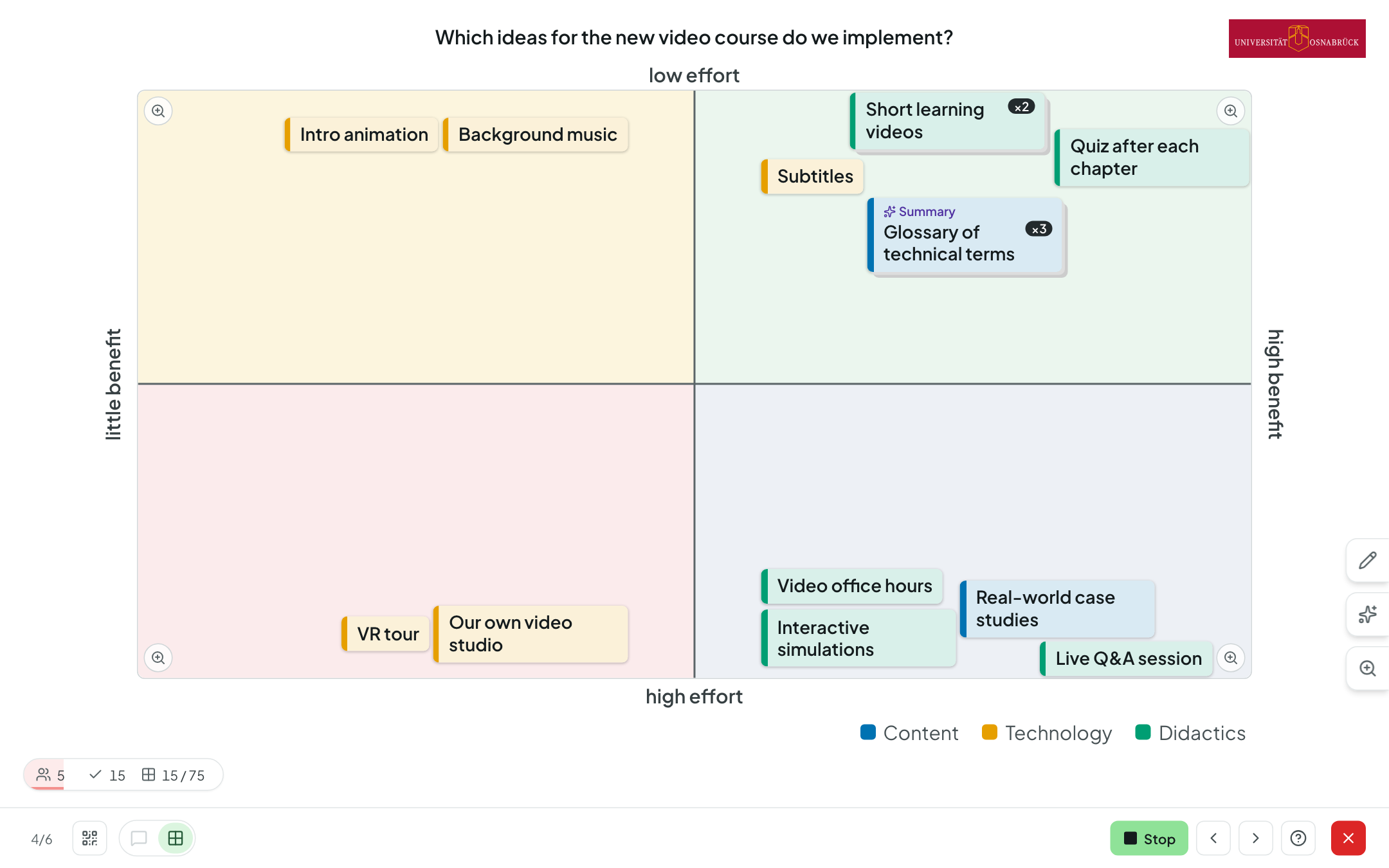
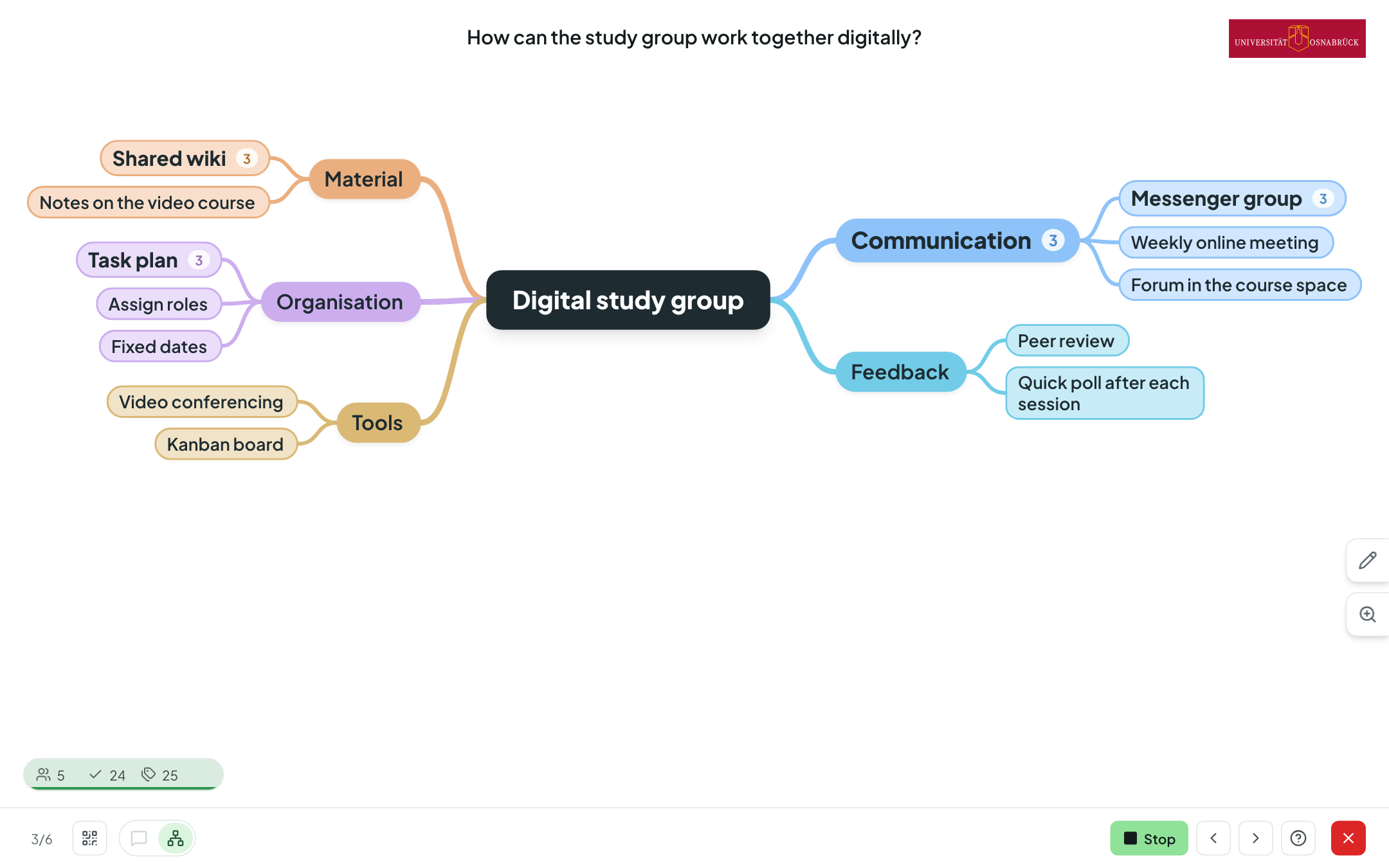
Mind map and four-field matrix
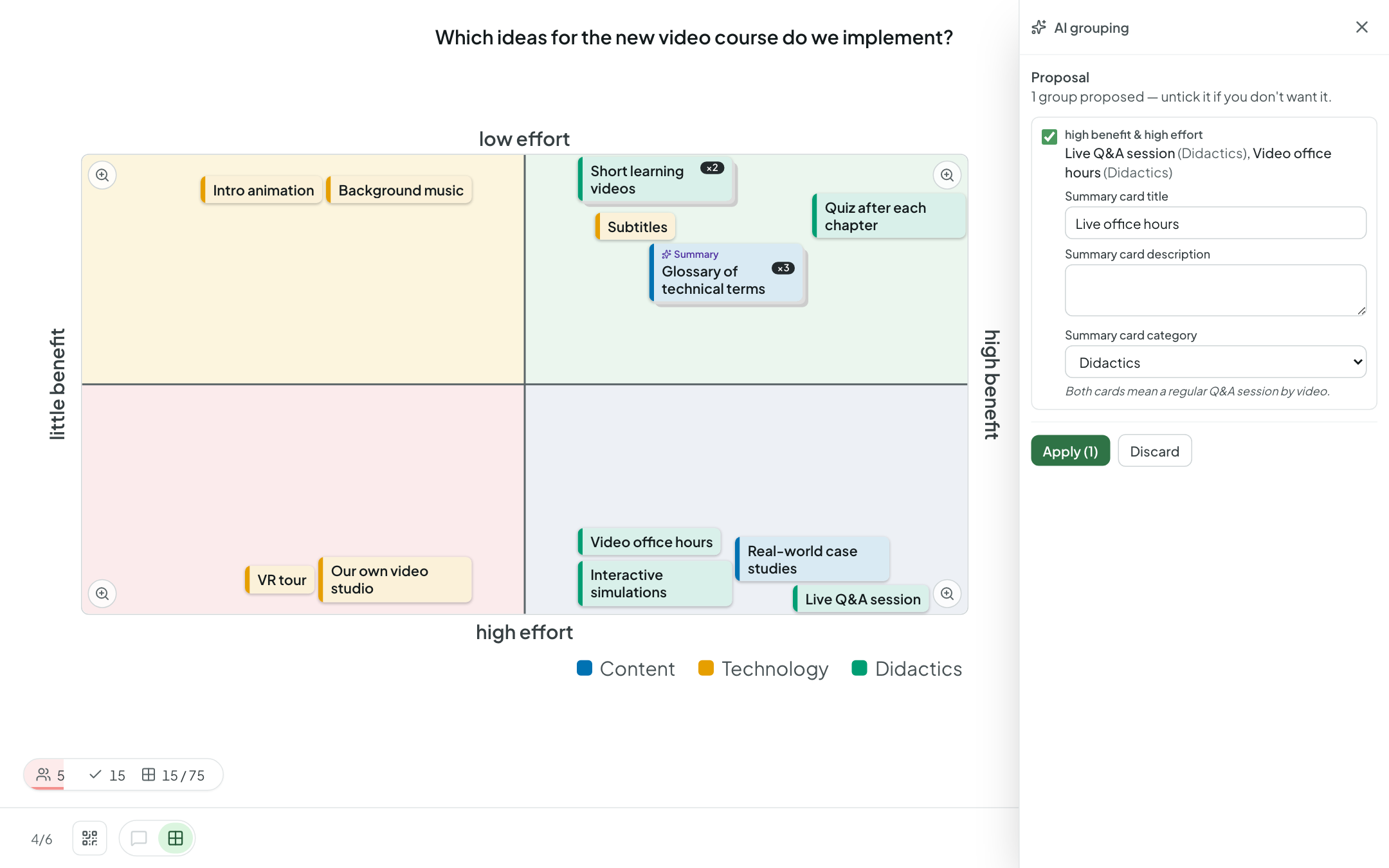
Collect and organise ideas together: as a tree of terms, or as cards between two axes such as effort versus benefit. Cards can be dragged, stacked and grouped.
Rate together
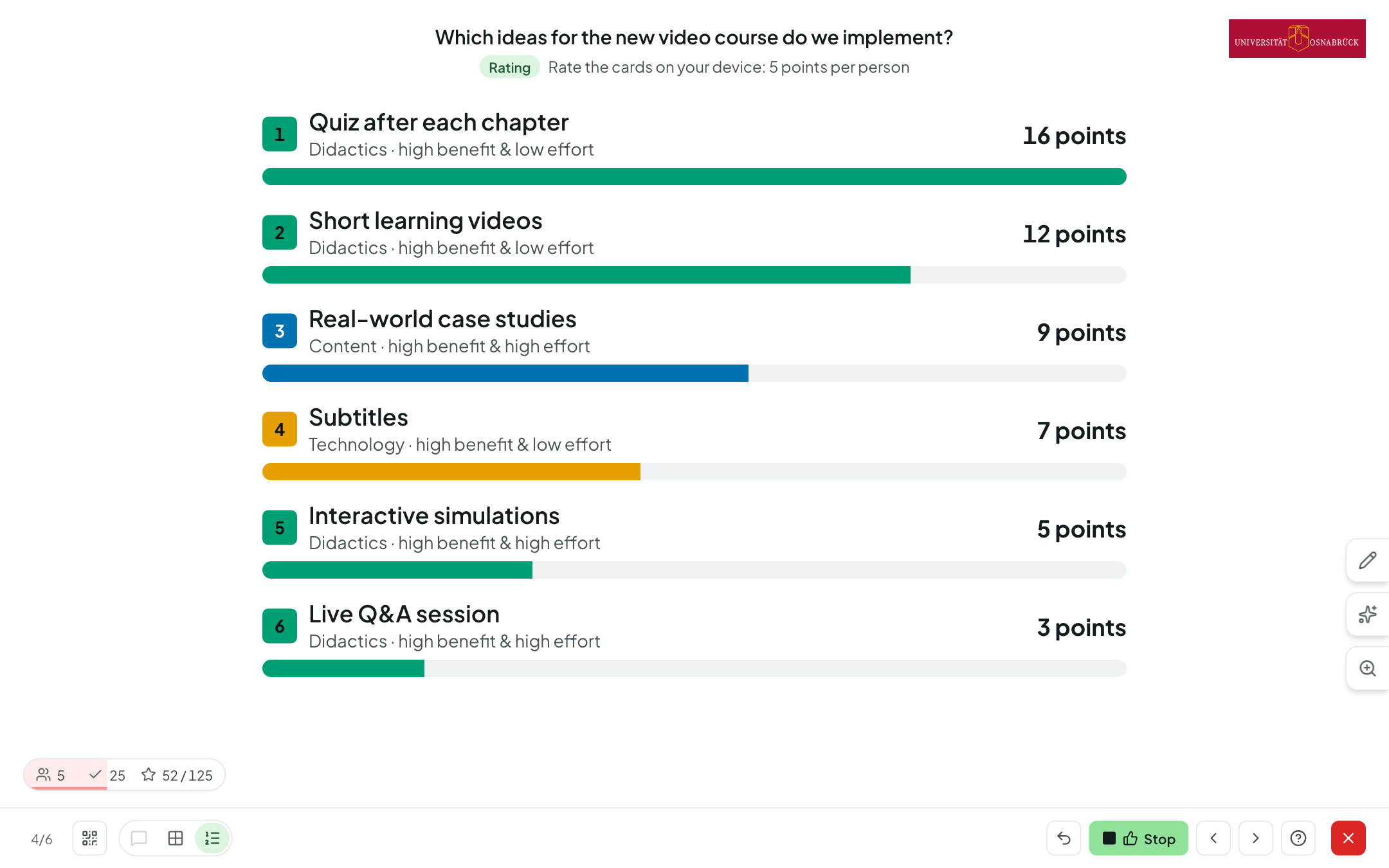
If you like, collecting is followed by a rating phase with points or plus/minus. The ranking shows what matters most to the group.
Join with your own device
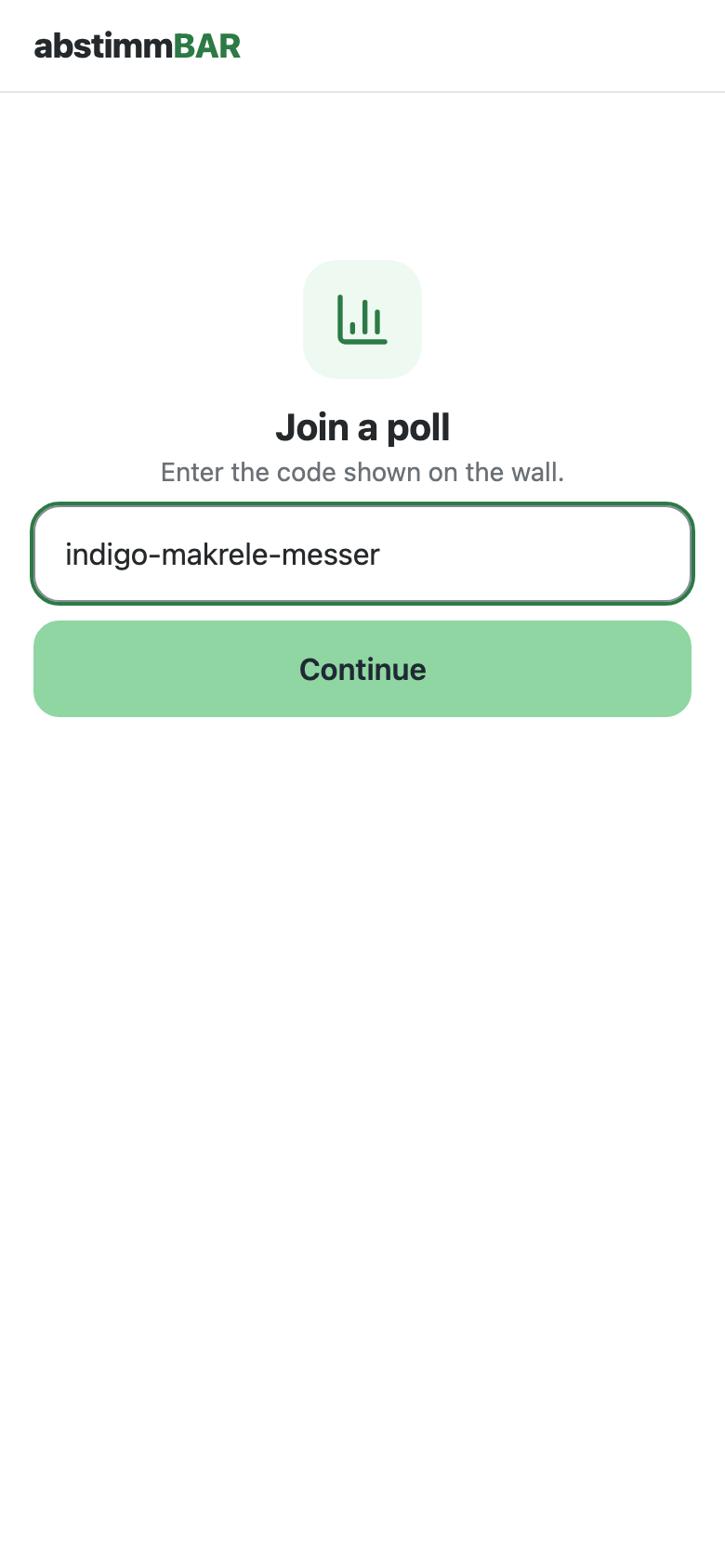
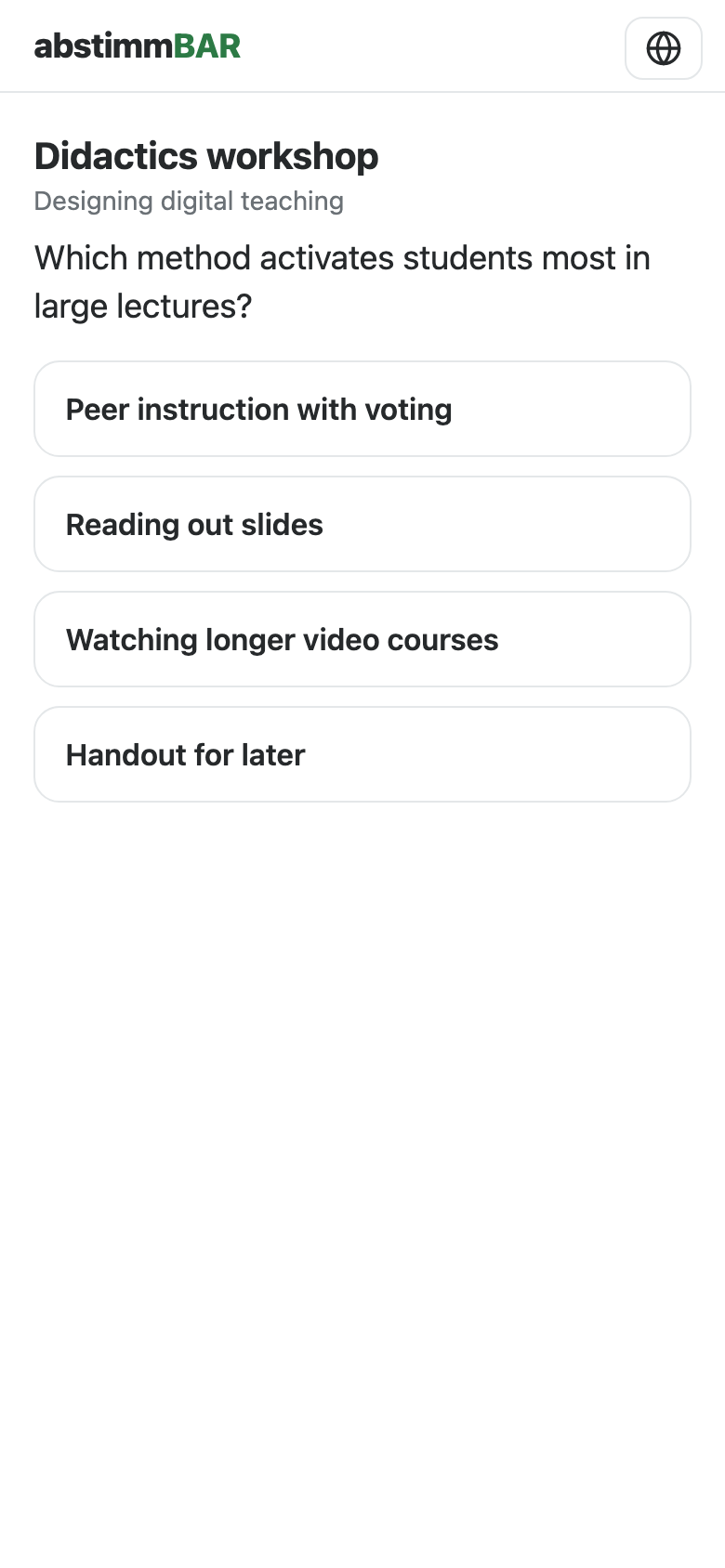
Scan the QR code or enter the room code — done. The lightweight participant page runs in any browser and follows your presentation automatically.
AI assistance — optional
Suggest distractors, generate questions from slides, tidy up word clouds, summarise cards. Every suggestion is just a suggestion; your institution decides whether a model is used, and which one.
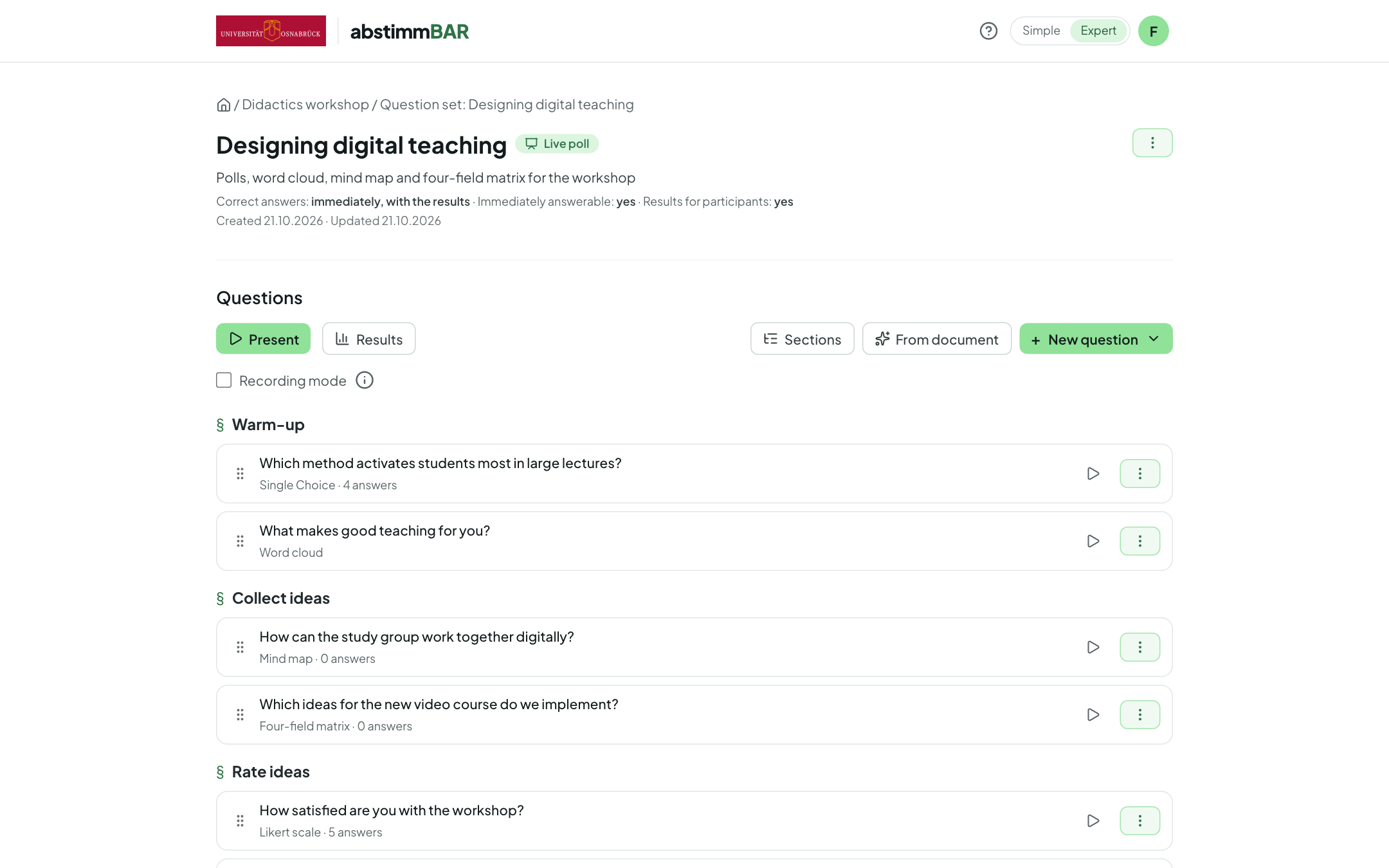
Live poll, self-paced quiz or self-check
You lead live polls question by question. Self-paced quizzes run at each participant's own pace, and self-checks are available via a permanent link with instant feedback.
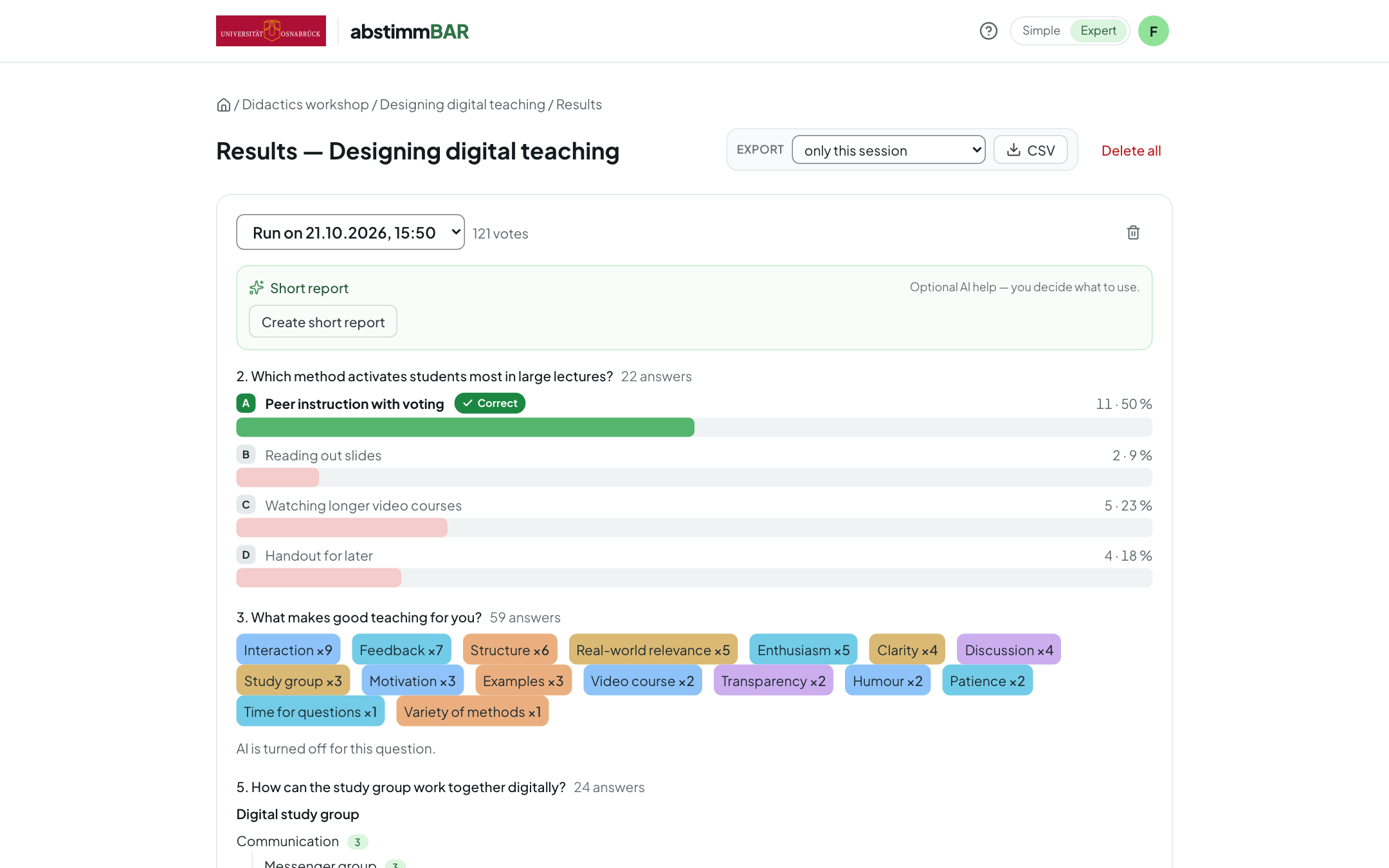
Results and export
Every run is saved and can later be compared, exported as CSV or archived — rooms and codes stay the same across semesters.
-
Made for the projector
A footer bar with tooltips, keyboard shortcuts for presenters, a jump menu and a help overlay that labels every control.
-
Bilingual
Interface in German and English; questions and answers can be stored in both languages. More on bilingual content
-
As a team
Share rooms with colleagues, pass on question sets via a link, export and import them as JSON.
-
Recordings
In recording mode, every question carries its own QR code — anyone watching the recording later can still vote.
Who it's for
-
Teachers
For lectures, seminars and workshops: gauge prior knowledge, check understanding, spark discussions, collect ideas. A guided tour and an example room make it easy to get started.
-
Students
Take part without an account and without an app, on your own smartphone or laptop. Answers stay anonymous — ideal for honest feedback.
-
Universities and IT centres
Host it yourself with Docker Compose, sign in via your own identity provider (OIDC), integrate it into your LMS via LTI 1.3.
Privacy and openness
-
Anonymous by design
Participants don't need an account, and voters' IP addresses are not stored.
-
AI only if you want it
All AI features can be switched off and only run through the service your institution has configured — a self-hosted model is possible, too. Only content such as questions and answers is sent to the model — no names, identifiers or accounts of participants.
-
Open source
The complete source code is available under the Apache License 2.0 on GitHub — to review, run and help develop.
-
Made at a university
Developed by virtUOS at Osnabrück University — as the successor to the Stud.IP plugin Cliqr.
Installation
Abstimmbar runs as a Docker Compose stack of PostgreSQL, Django and Caddy on your own Linux server — with automatic HTTPS, sign-in via OIDC and optional LMS integration. The step-by-step guide assumes no prior Linux experience.