Inviting participants
Participation is anonymous and needs no account. Your participants can reach the vote in two ways:
- via the QR code shown in presentation mode, or
- via the room code or short URL, which you can read out. The room code can also be entered on the Abstimmbar home page under “Join a vote”.
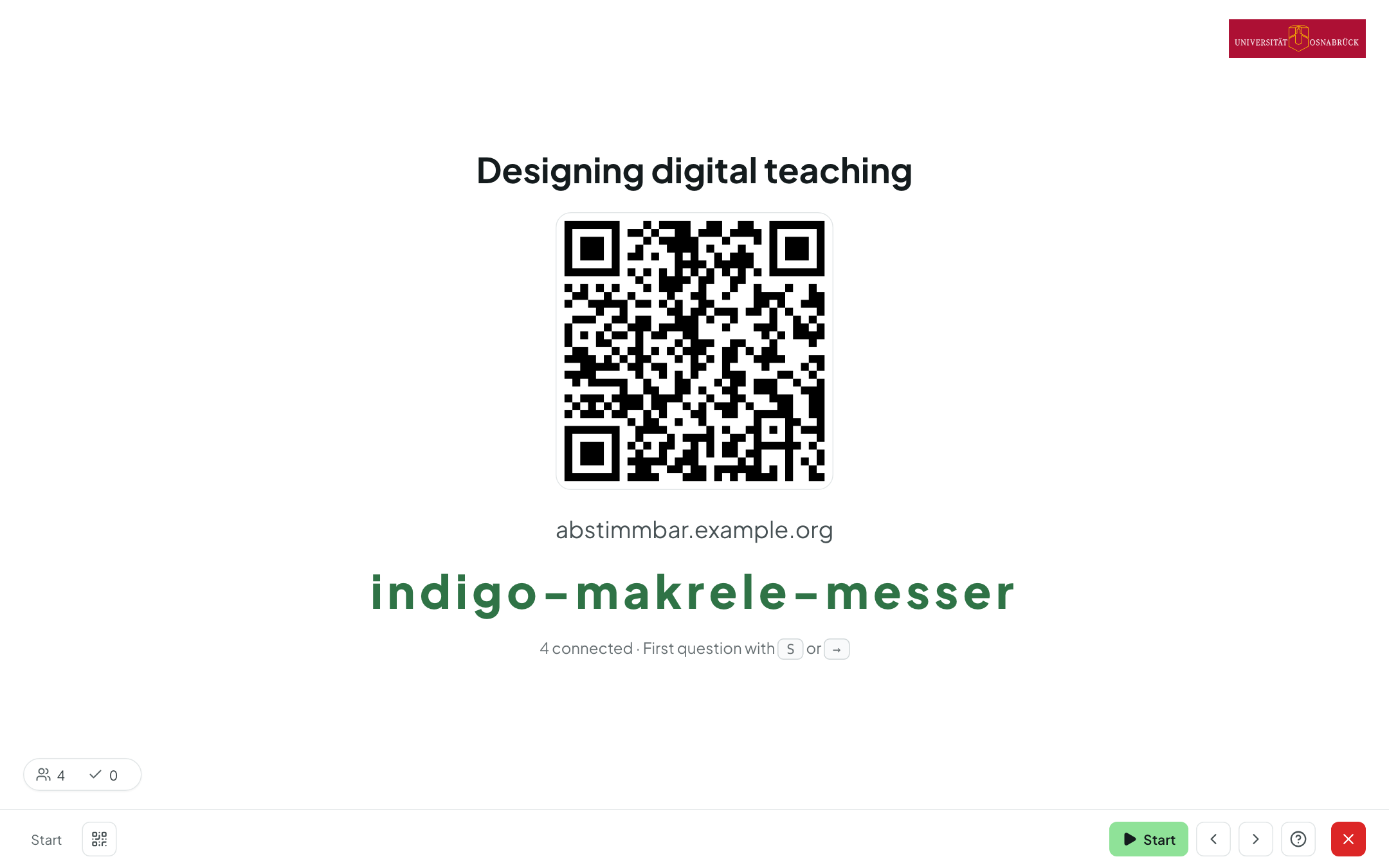
The QR icon (key Q) brings the QR code and room code back at any time during the presentation. In the room settings you can also show both permanently in a corner, so that latecomers can join at any time.
What participants see
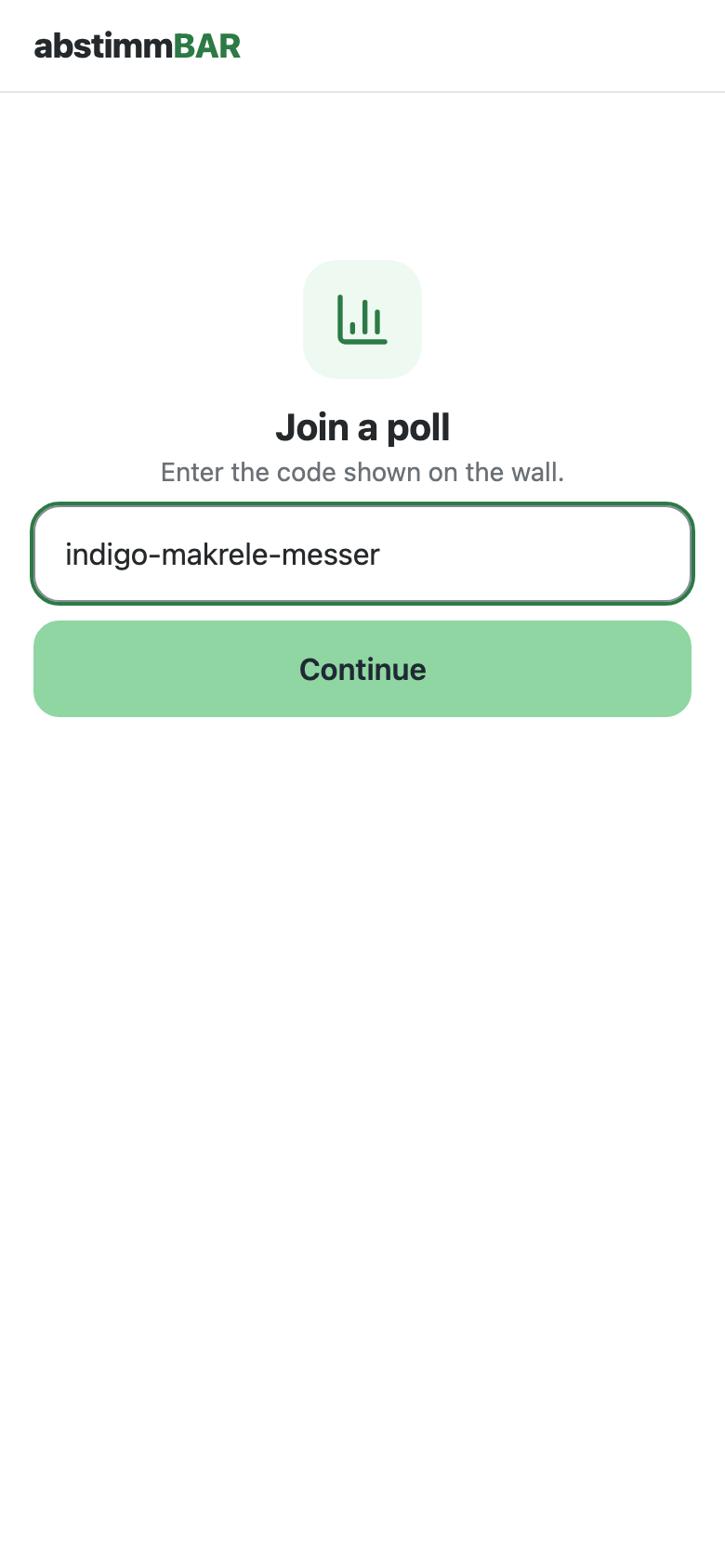
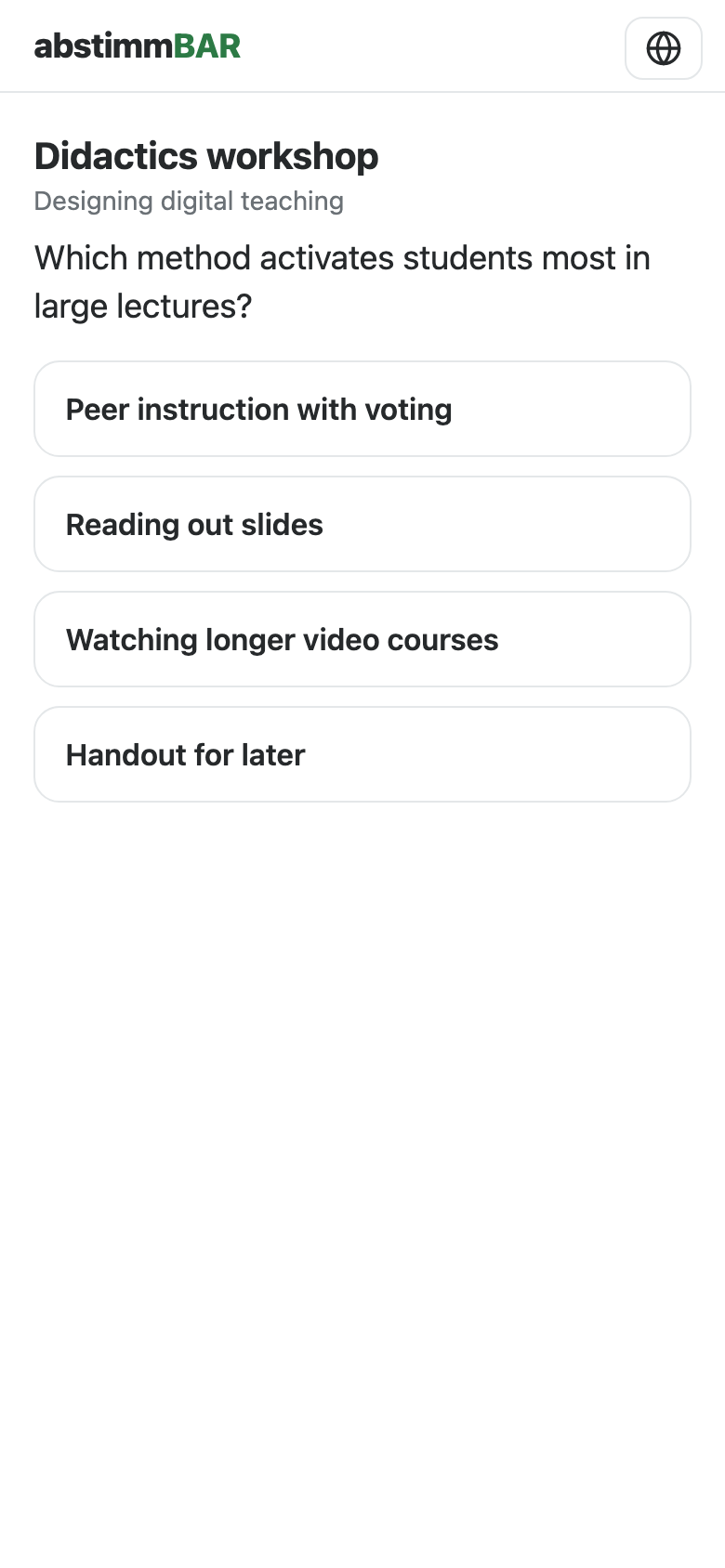
- The participant page is deliberately lightweight and runs in any browser — no app needed. At the top right, participants can choose German or English.
- Until you start a question, participants only see the question (“The vote has not started yet.”); after that they can answer.
- The page follows your presentation automatically: when you move to another question, participants' devices move along with you.
- Under My answers, participants see what they have answered in this round.
- Whether participants also see the results and the solution on their own device is set in the live poll settings.
- After the end, participants see the closing screen and, if you have set one up, your closing info.